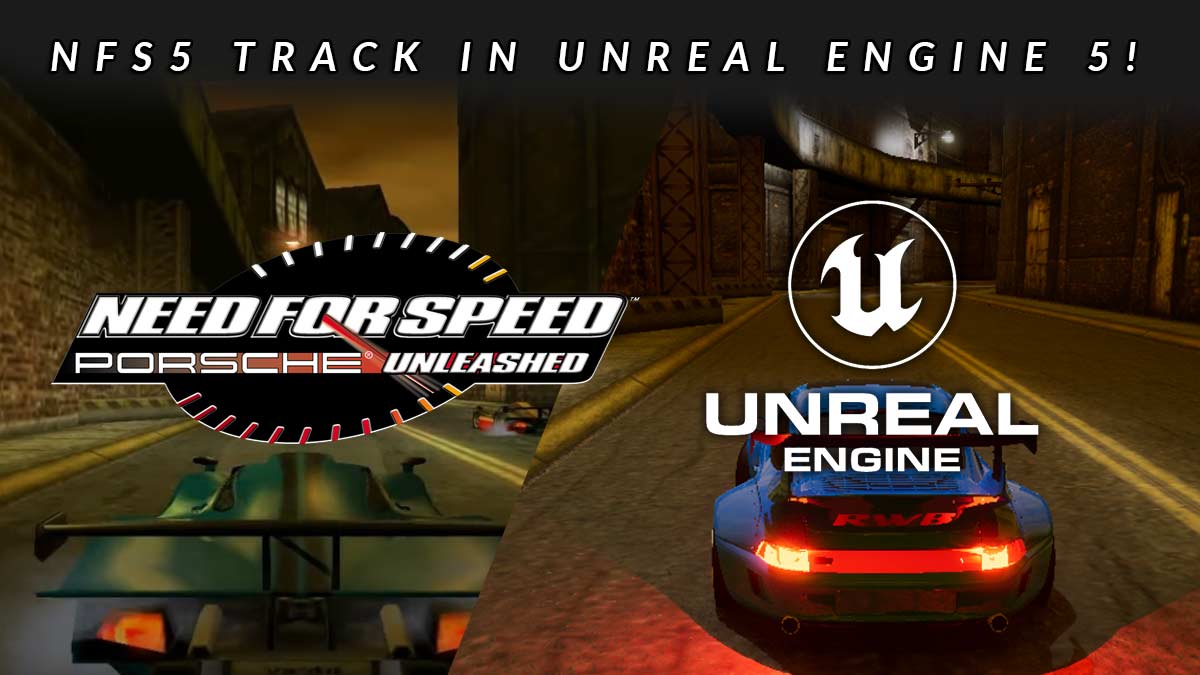
Importing a NFS5 PU track into Unreal Engine 5

Converting NFS5 Tracks to Unreal Engine 5

The tutorial explains how to import a Need for Speed 5: Porsche Unleashed track into Unreal Engine 5 using Blender for 3D modeling and UE5 tools for rendering and lighting adjustments. It details processes such as extracting the original game files, converting track elements to usable formats, and adapting the materials for modern graphics engines. The article provides step-by-step guidance on managing textures, lighting, and Unreal Engine 5’s capabilities to breathe new life into classic tracks, making them playable within UE5.