Converting tracks/blender files to NFS:HS FRD file format
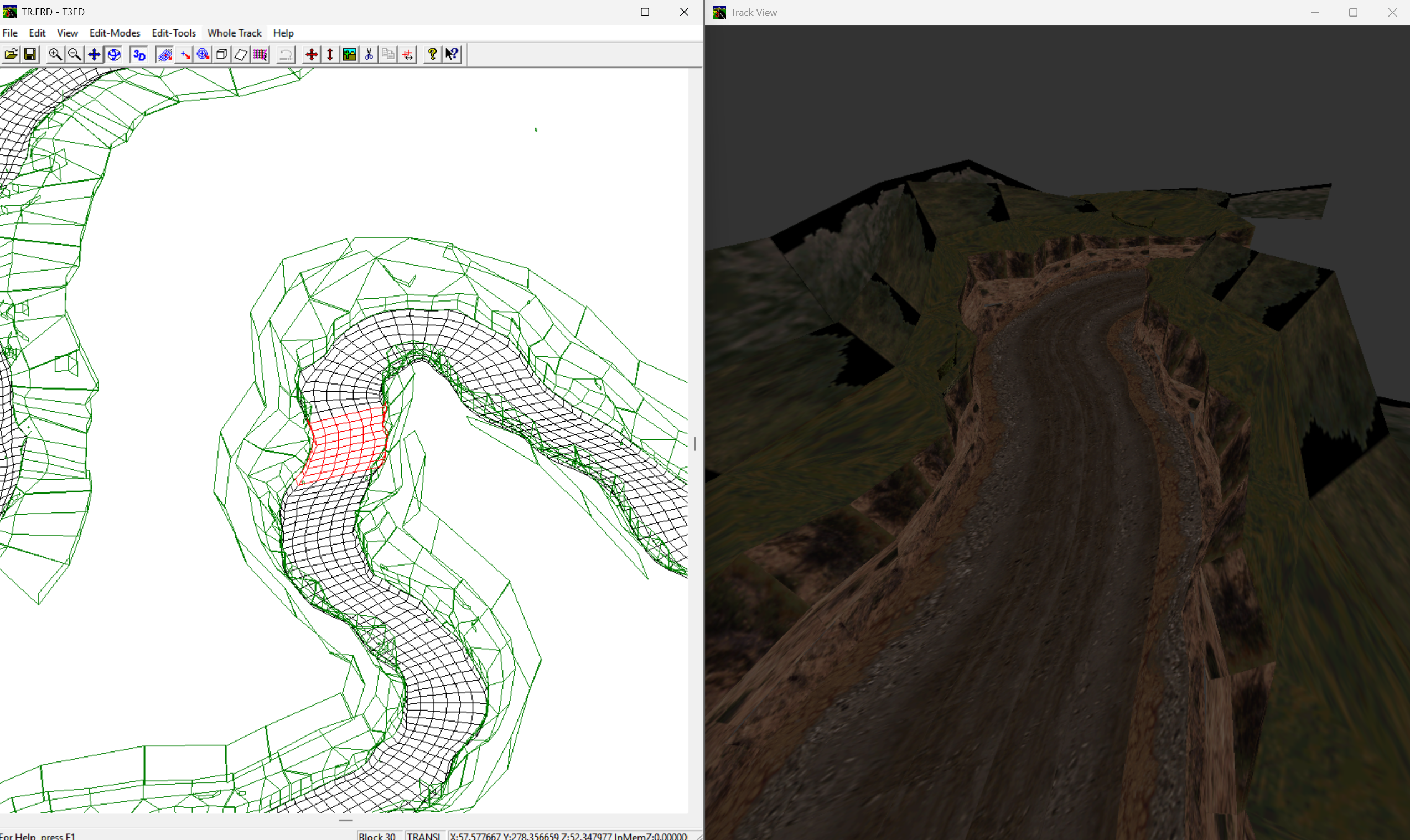
creating FRD track file for NFSHS

When it comes to (nfs)-modding, the modding of tracks was always more of my favourite as creating cars, because tracks are the world that gives you more creativity as you can race, drive and roam, beside a car is more or less a static object. The mod tools – talking about back in the days … Read more

Research: MCO .frd file format

1. File Type: .FRD in MCO 2. Core Structure: DEADBEEF Blocks 3. basename from info.ini Track basename Hex Occurrences in .FRD Tr1 1200 0x04B0 25 Tr2 1300 0x0514 29 Tr3 1100 0x044C 18 4. Structure Around basename Values 5. Structural Consistency Across Tracks Summary of Confirmed Roles Element Role / Purpose info.ini Declares basename, which … Read more

Converting a NFS1 track to blender

Title image of converting old nfs1 tracks to blender, showing both the nfs1se and blender version of burnt sienna side by side.

As it turned out, using already converted NFS1 tracks (e.g. NFS3, NFS4 or Assetto versions) being highly inaccurate (e.g. NFS3 “Rusty Springs” is actually a reskinned “Oasis Springs”) I got deeper into getting the original geometry exported. Upon research I discovered the mighty tools of Andrew Gura (andrew_gura) within the discord community of RENFS. I … Read more

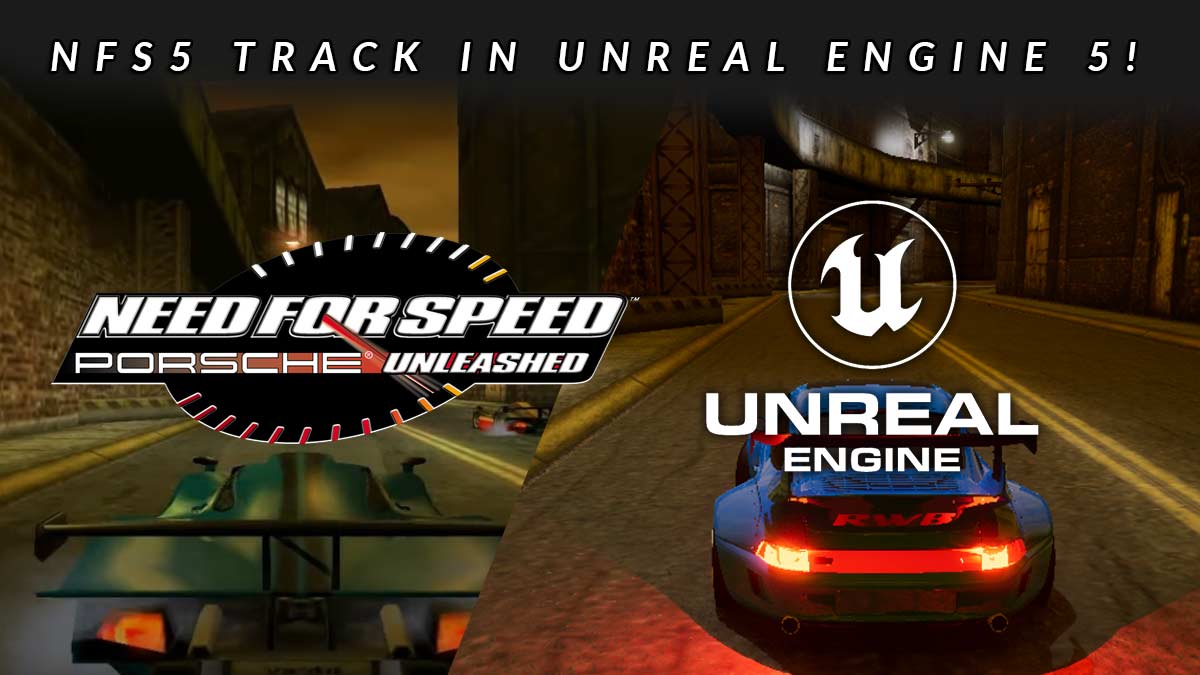
Importing a NFS5 PU track into Unreal Engine 5

Converting NFS5 Tracks to Unreal Engine 5

The tutorial explains how to import a Need for Speed 5: Porsche Unleashed track into Unreal Engine 5 using Blender for 3D modeling and UE5 tools for rendering and lighting adjustments. It details processes such as extracting the original game files, converting track elements to usable formats, and adapting the materials for modern graphics engines. The article provides step-by-step guidance on managing textures, lighting, and Unreal Engine 5’s capabilities to breathe new life into classic tracks, making them playable within UE5.

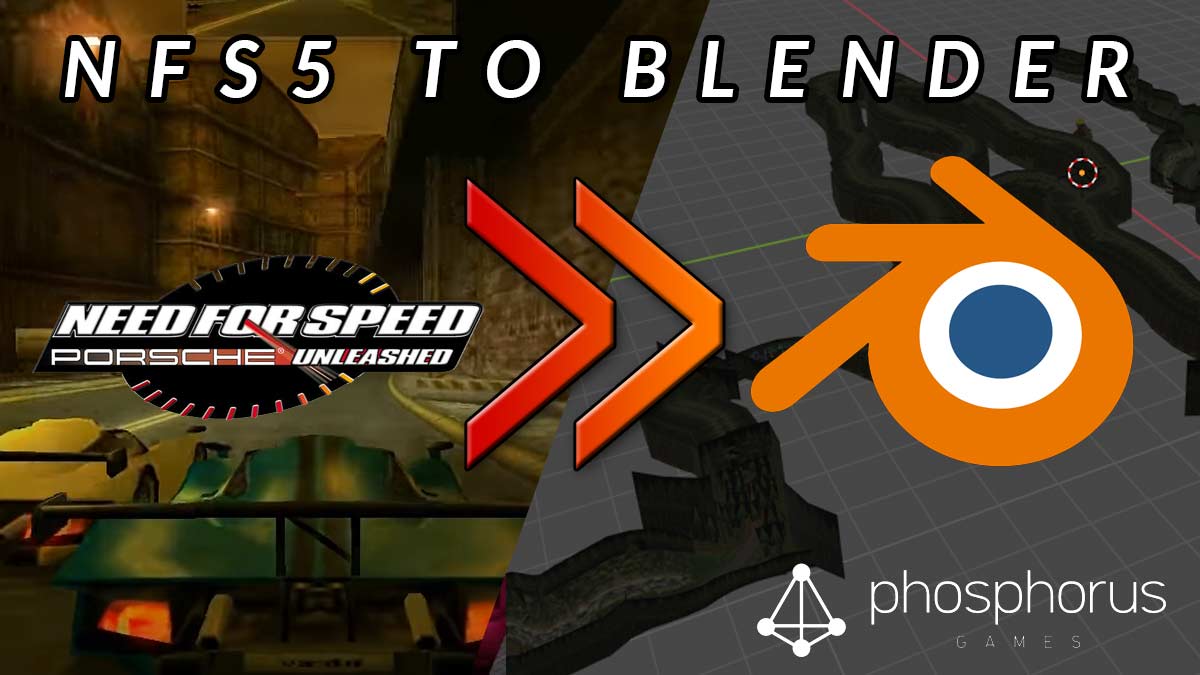
Converting a NFS5 PU track to blender

In this tutorial I show you the (for me, yet) best way to convert a track from NFS5 aka Porsche / Porsche Unleashed to a blender-compatible format. First of all you obviously need a original copy from nfs5 pu for your pc. I will target the PSX version in another tutorial. Futhermore you need the … Read more

Main Menu for High Stakes – Artwork and WIP

When it comes to game development sooner or later you will have to think about the thing most people see when they launch a game – the main menu. When it comes to “High Stakes” I do wanted to achieve three things So, in first place, I took a deeper look to all menus of … Read more

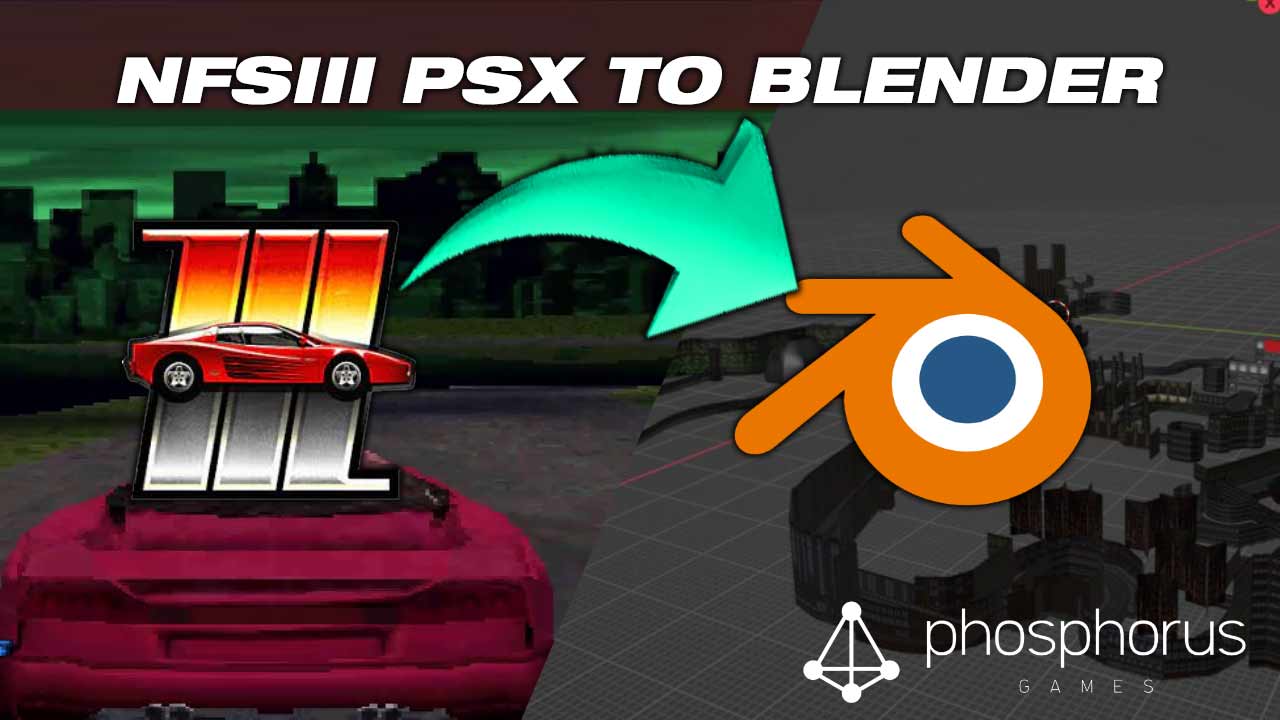
Importing NFS3 PSX Tracks to Blender

If you want to import some or all Need For Speed III – Hot Pursuit PSX tracks to blender this short guide might help you. I digged into it to get to the data of the Playstation-only Tracks Autocross, Caverns, Scorpio-7, Space Race and The Room, but also to finally see the legend TR02B myself. … Read more

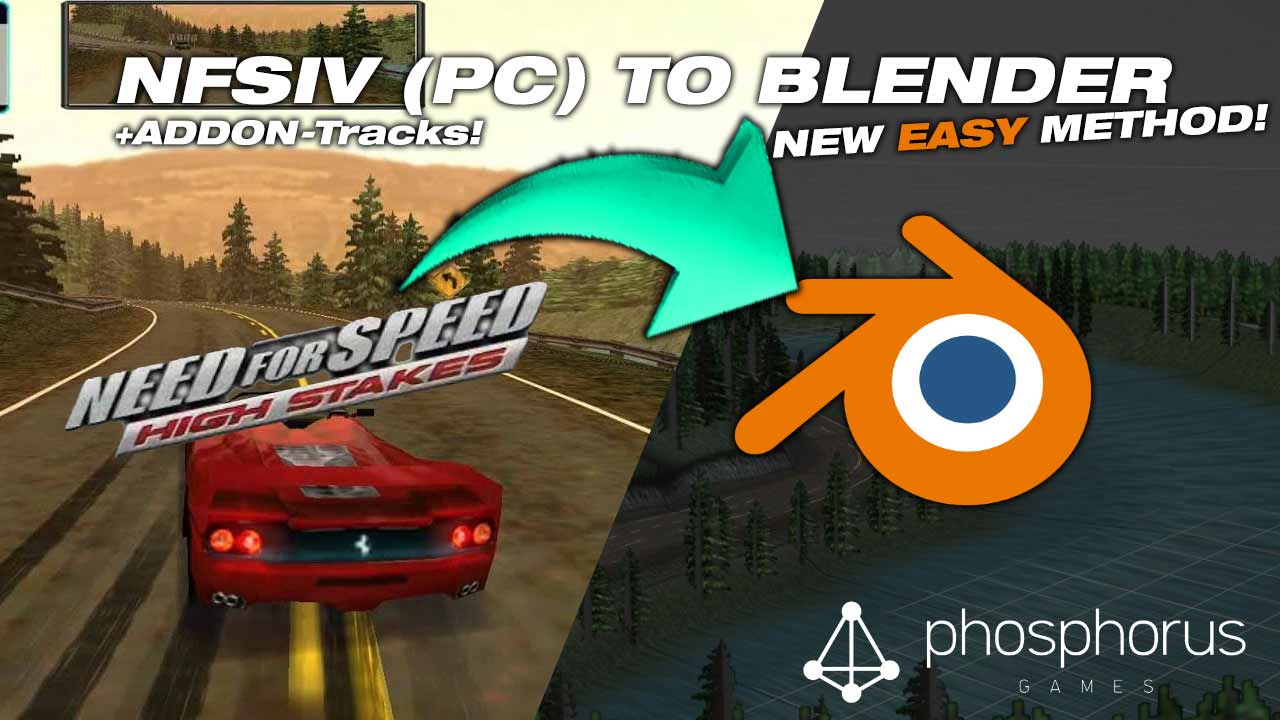
EASY Importing NFS4-Tracks to Blender

In this *new* tutorial I explain how everyone of you can easily import tracks from NFS4 into blender. Forget the old tutorial. After digging the internet I found a small set of tools that will make your life much easier. TL-DR – Take me directly to the tutorial! The old way as described in this … Read more

How to convert a NFS3/NFS4 Track for use in Blender, 3D Studio and/or Unreal Engine (4)

As there has been a HUGE update on the process – you should continue reading here. Requirements: Additional Tools Step 1 – Convert the track file from .frd to .lwo The first tool you need to use is “frd2lwo” – this is a light weight gui-based tool to convert frd-files (nfs3/nfs4 native track file format) … Read more